What You Can Build with Design Patterns
Code that works is only the start: this course builds five small apps, a bakery, a package tracker, a smart home, a library's web API and an old gym system, and changes each one the way real apps change, so you learn the fixes that keep code ready for the next change.
Novice · OOP · Software Development · Updated
After this lesson you can
- Match each app this course builds to the kind of problem it meets
- Tell code that only works from code that's ready to change, by what the next change costs
Key takeaways
- Writing code that works is the first half of the job. The second half is changing it without breaking what already works.
- A design pattern is a fix that teams kept finding for the same problem, so it was written down and given a name.
- This course builds five apps, and each one meets a new kind of problem: change requests, growth, other systems, frameworks, and old code.
- The test of a design is what the next change costs: one new piece in one place, or a hunt through every file.
Here is a day you'll have at your first programming job. The app works. Customers use it. Then someone asks for a small change, a new product on the menu, and you add it. The order screen shows the new product, but the price board doesn't, because the price board had its own list of products that nobody told you about. Nothing crashed. The app is wrong in one place, and a customer finds it before you do.
That's the problem this course is about. Writing code that works is the first half of the job. The second half, which takes up most of a working developer's time, is changing that code without breaking what already works.
Fixes with names
Developers have been hitting the same problems for decades: a new kind of product that has to show up everywhere, a rule that changes every week, a service that's slow and sometimes down. Teams kept finding the same fixes for them, so the fixes were written down and given names. A fix with a name is a design pattern.
You won't learn them from a list. You'll learn them the way they were found: by building small apps, meeting their problems, trying the obvious fixes, and seeing where those break. When a pattern finally shows up, it should feel like the fix you were about to invent.
Five apps, built and changed
The course builds five small apps, one per pass. Each one starts as a version that works, and then the change requests arrive.
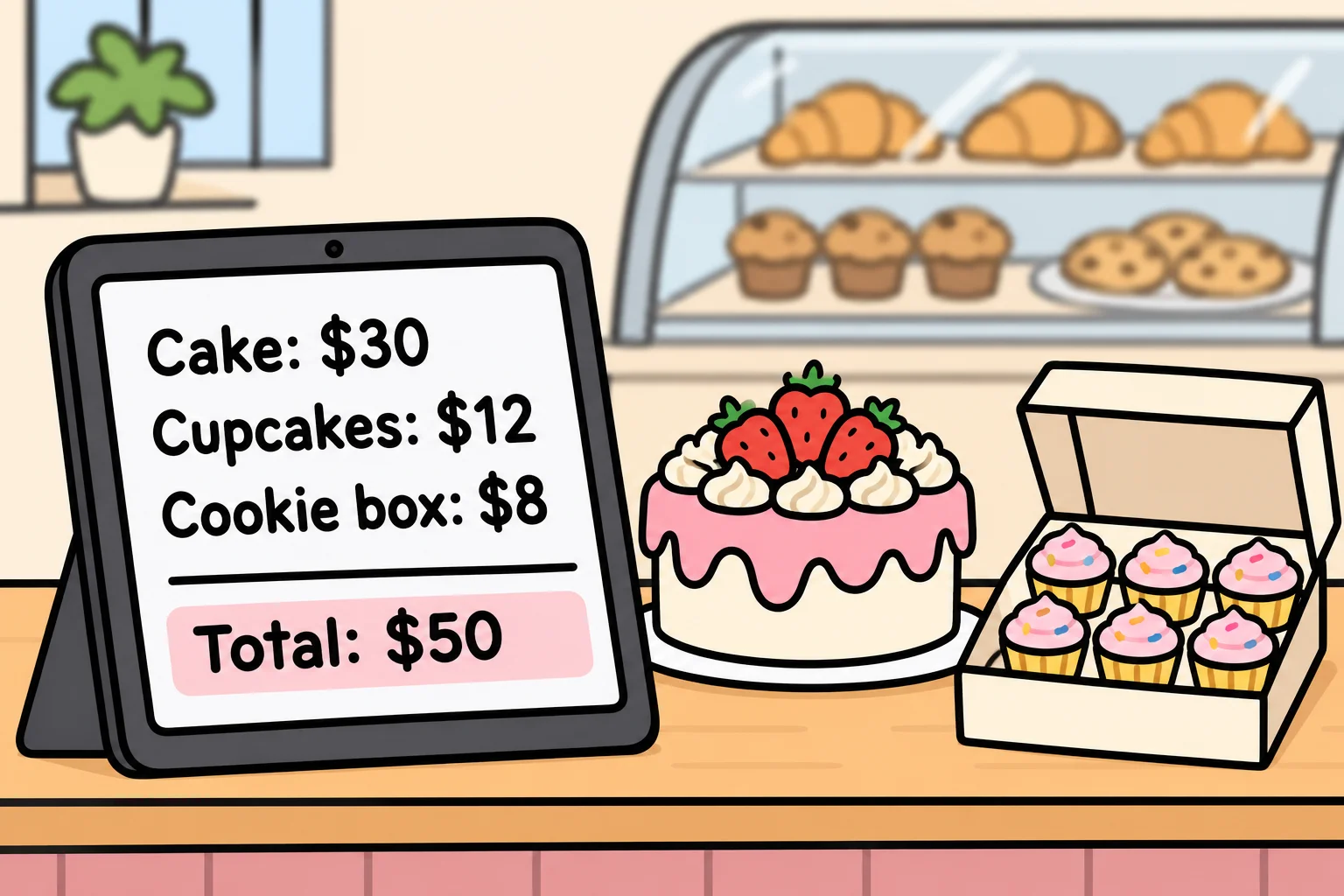
Sunrise Bakery's ordering app. A neighborhood bakery sells cakes ($30), cupcakes ($12) and cookie boxes ($8) from a tablet at the counter. Then the owner's wish list arrives: a new product every month, a new deal every week, a screen in the kitchen, and one button for checkout. You'll show someone an app where next month's pie is one new line of code.
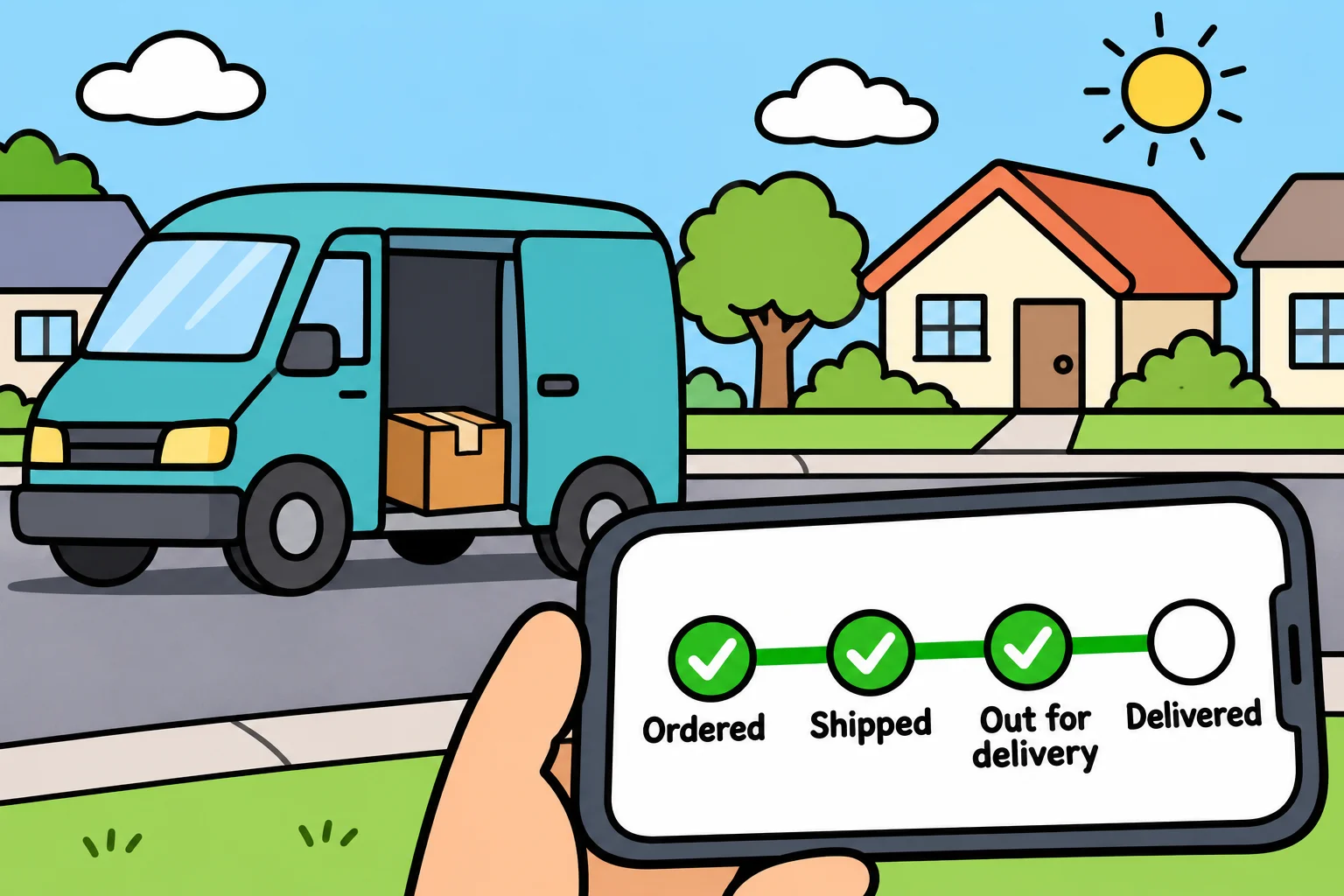
Lakeside Parcel's package tracker. Packages move from ordered to shipped, out for delivery and delivered, along a driver's route, with three carriers that each price a package their own way, pallets that hold boxes, and a dispatcher who needs an undo button. You'll show someone a tracker that knows what a package can and can't do in each status.
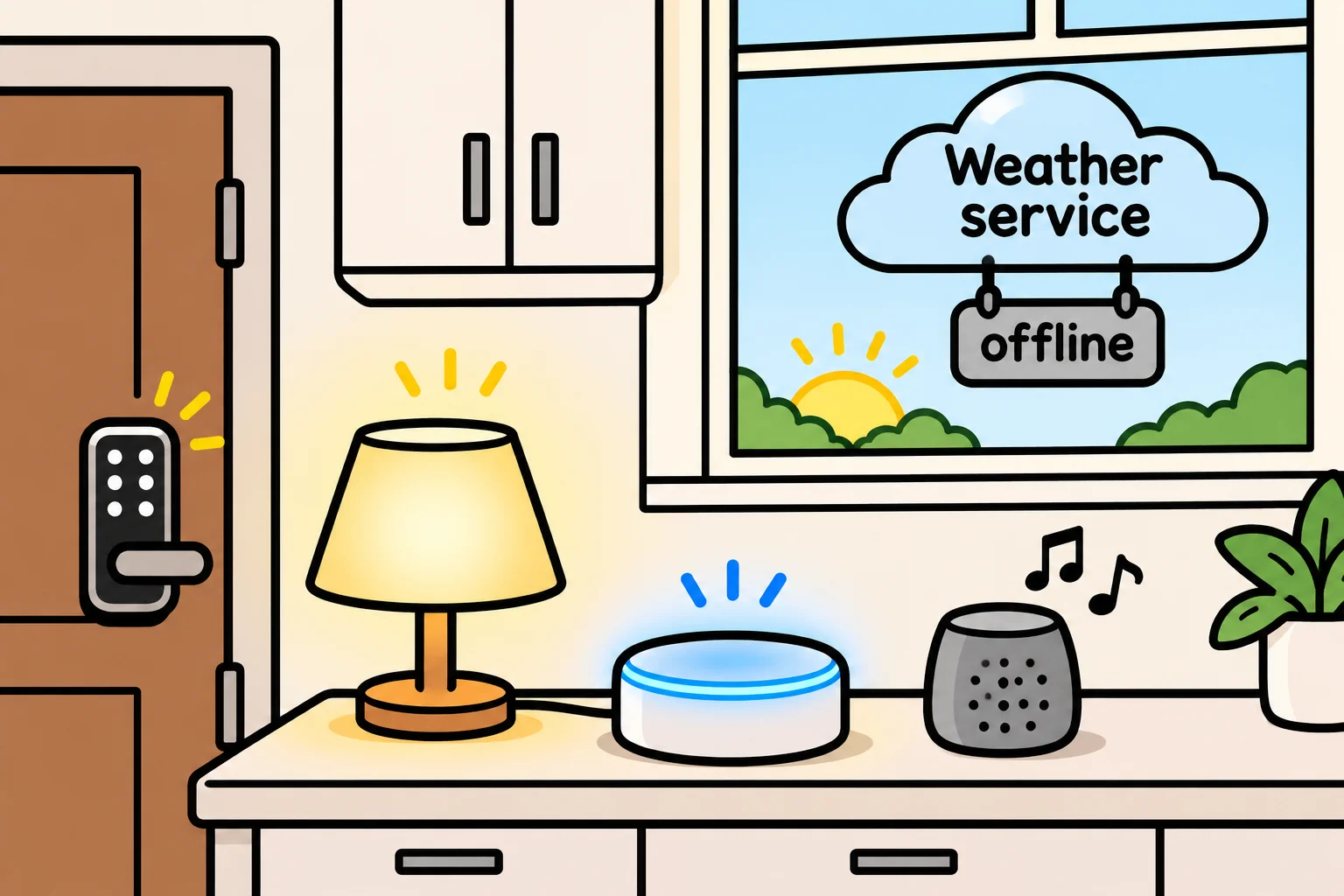
The HomeBase smart-home hub. One hub controls lights, locks and speakers from three brands that each work differently, and asks a weather service that's far away, slow, and sometimes down. You'll show someone a hub that still runs the "good morning" routine when the weather service doesn't answer.
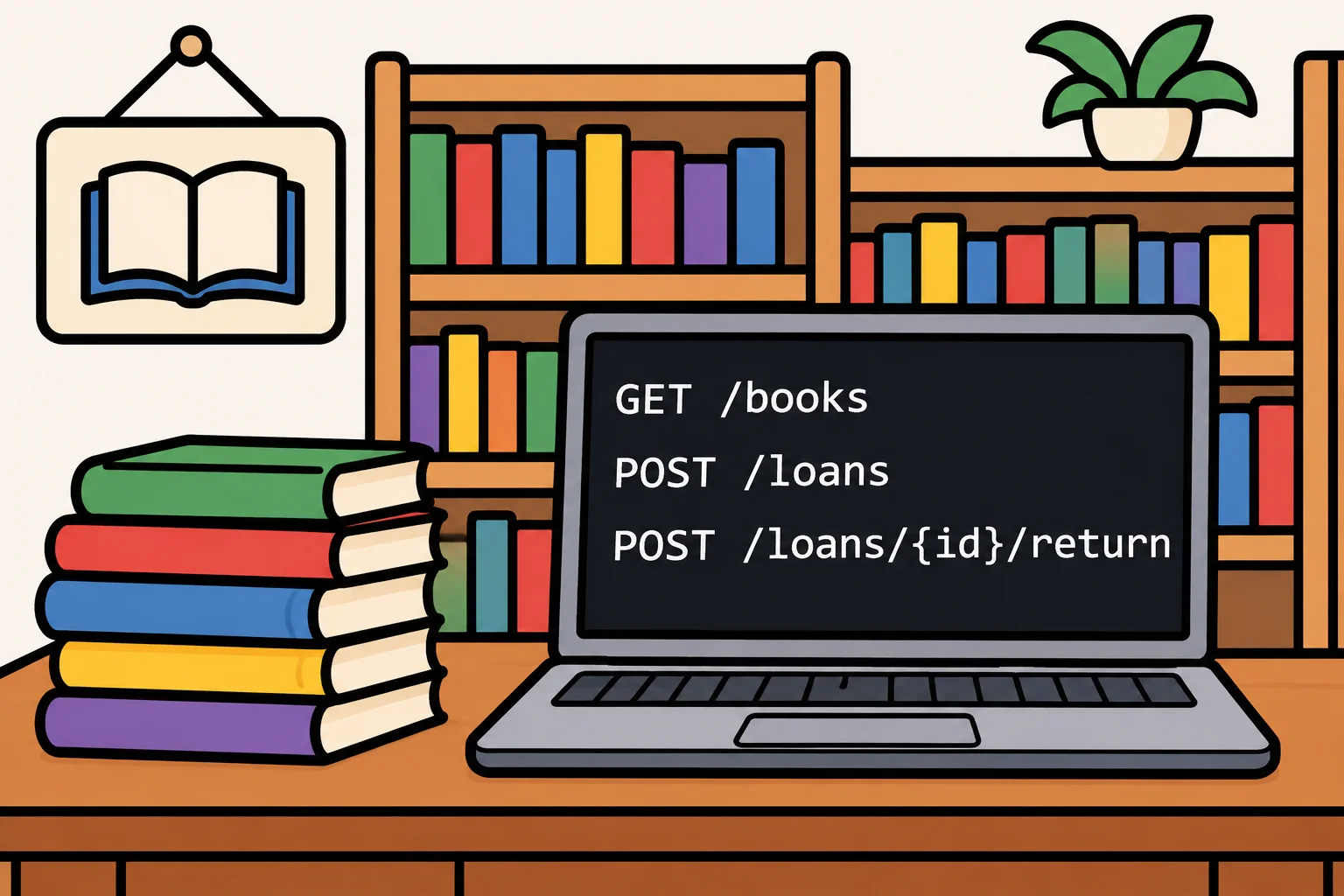
Riverside Community Library's checkout web API. Members borrow books for 14 days, with a late fee of $0.25 a day. This pass looks inside the frameworks that web apps are built on, and how they're wired together. You'll show someone late-fee rules that are tested in a second, instead of by waiting two weeks.
Summit Gym's class-booking system. A year old, written in a hurry, and the gym's business depends on it. Here you're the developer who inherits it: you read what's wrong from the code's symptoms, pin down what it does with tests, and replace it piece by piece while it keeps running. You'll show someone an old system rescued without switching it off.
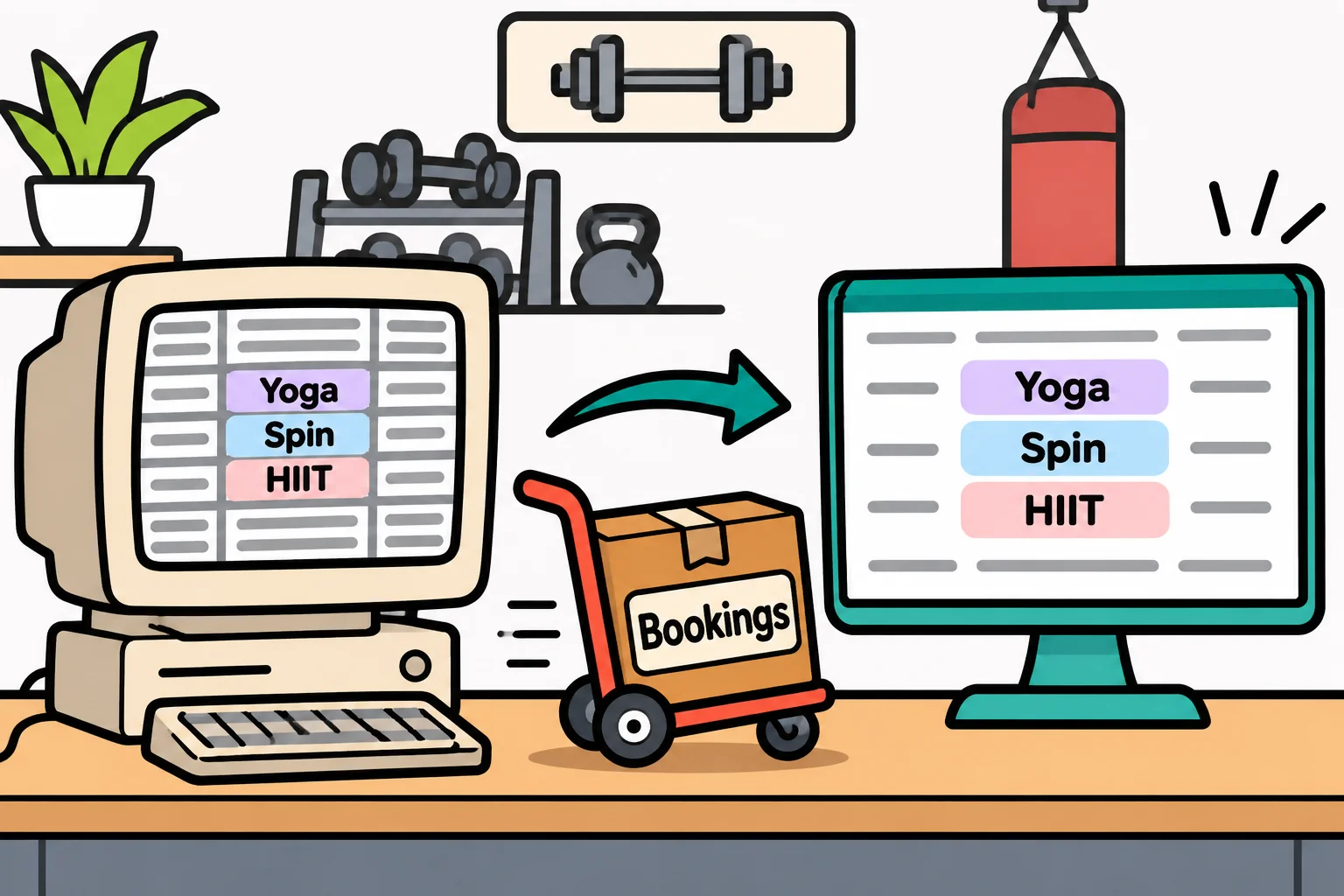
Along the way, a few problems turn up that none of these apps has, such as a store whose staff write their own coupon rules, and a stadium with 50,000 seats, and those get chapters of their own.
What "ready to change" looks like
Here's the bakery's problem from the opening, in numbers. Pies are coming. In one version of the app, the products are listed in the order screen, the price board and the kitchen printer, each with its own copy. Adding pies means three edits, and the one you miss is a bug. In another version, the products are listed in one place, and every screen asks that place. Adding pies is one new line.
Both versions work today. They differ in what the next change costs. That's the question to ask of any design, and you'll ask it in every lesson: when the next request comes, how many places do I have to touch?
A design pattern doesn't make code shorter, cleverer or more "professional". Sometimes it adds a class or two. It earns its place by making the next change small. When it doesn't, the course says so, and leaves it out.
What you need, and what you get
You need to be able to write a small class with a method in one of five languages: C#, Java, Python, JavaScript or TypeScript. The next chapter, The Object-Oriented Code You Need, hands over everything else the patterns are built from.
Every chapter ends with an exercise in your language: working code, its passing tests, and a ticket asking for a change, the way work arrives at a real job. By the end of the course you'll be able to look at code you didn't write, say what's likely to hurt when it changes, and pick the fix that holds up, or decide that it doesn't need one.
Check yourself
2 questions to try on the lesson page.
So what
Anyone can learn to write code that works; this course is about code that keeps working when it changes, and the five apps are where you'll practice it.