What You Can Build with Node.js
Node.js runs JavaScript outside the browser, on your own computer or on a server, so the language of web pages also runs the APIs behind apps, real-time servers, command-line tools and front-end build tools, and the six projects you'll build in this course.
Novice · Node.js · JavaScript · Updated
After this lesson you can
- Name things people build with Node.js, such as APIs, real-time servers, command-line tools and build tools, and say where each one runs
- Explain what Node.js is, a JavaScript runtime built on Chrome's V8 engine, and what it adds to JavaScript outside the browser
Key takeaways
- Node.js runs JavaScript outside the browser, on your own computer for tools and scripts, and on servers for the back end of apps.
- People build APIs, real-time servers for chat and live scores, command-line tools and front-end build tools with Node.
- Node took V8, the JavaScript engine inside Chrome, and added what a program on a computer needs, such as files and the network. A browser and Node are both JavaScript runtimes.
- In this course you build a command-line tool and five APIs, one of them live and one online at a link, then an API of your own.
Tap Order in a food delivery app, and a lot happens before the screen says your order is on its way. Something has to check that the restaurant is open, save the order, charge the card and tell a driver. Your phone doesn't do that work. A program on a server does, and a great many of those programs are written in JavaScript and run with Node.js (people say "Node").
If you've written JavaScript for web pages, this lesson shows how the same language got to the server, what people build with it there, and the projects you'll build in this course.
Things people build with Node.js
| What | An example | Where it runs |
|---|---|---|
| APIs behind apps and websites | The program that answers when an app signs you in, saves your order or loads your feed | On a server |
| Real-time servers | The server that sends a chat message to everyone in a room, or a goal to every fan's screen, the moment it happens | On a server |
| Command-line tools | npm, the tool that installs JavaScript packages, is a Node program; so is a small tool that totals a month of spending | On your own computer, in a terminal |
| Front-end build tools | Vite, which builds React and Vue apps, and ESLint and Prettier, which check and tidy code | On a developer's computer, and on the computers that test and publish code |
| Desktop apps | VS Code, the editor this course uses, is built on Electron, which runs Node inside the app | On your computer |
An API (short for application programming interface) is a program that other programs talk to: the phone app asks, and the API answers with data. The part of an app that runs on a server, out of sight, is its back end. Most of this course is about building back ends.
How JavaScript left the browser
For its first fourteen years, JavaScript ran only inside web browsers. A page could react to clicks, but it couldn't read a file on your computer or answer requests from other computers: browsers keep pages away from those on purpose, so a website can't look through your files.
Every browser has a JavaScript engine, the part that reads JavaScript and carries it out. Chrome's engine is called V8. In 2009, Node.js took V8 out of the browser and built a program around it that adds what a program on a computer needs: reading and writing files, talking over the network, and information about the program that's running.
Think of an engine that can go in a car or in a boat. It's the same engine, but what you can do with it depends on what's built around it. Around V8, Chrome builds web pages, buttons and the Console; Node builds files, the network and the terminal. The engine plus everything built around it is a JavaScript runtime: a browser is one runtime, and Node is another.
They speak the same language, so this line runs the same way in both:
console.log("Fresh sourdough at Maple Street Bakery: $6.50");
Fresh sourdough at Maple Street Bakery: $6.50
You'll run it yourself in Your First Node.js Program. Node leaves things out too: there's no web page, so there's no document to change. And it isn't the only runtime outside the browser: Deno and Bun are newer ones. This course uses Node, the oldest and most widely used.
Who uses Node at work
- Back-end developers build APIs and real-time servers with Node.
- Full-stack developers write both halves of a web app, the page in the browser and the server behind it, in one language: JavaScript.
- Front-end developers run Node every day, even if they never write a server, because their build tools and tests run on it.
What you'll build in this course
Each module ends with a project, called a mini-capstone: something real that puts the whole module to work. Each one is its own project, with its own starter files.
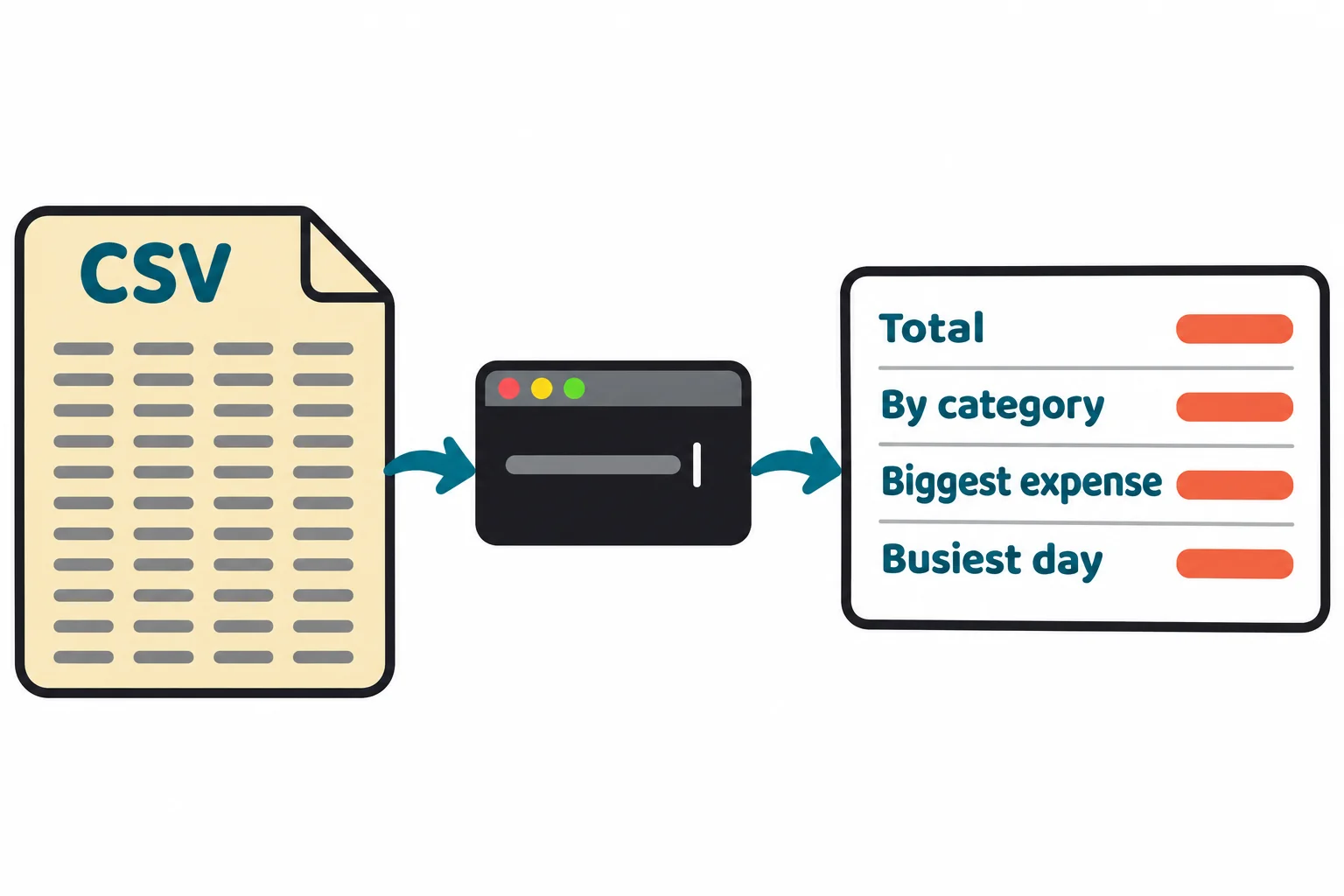
Expense Tracker CLI (Module 1). A command-line tool that turns a month of spending, exported from a bank as a CSV file, into a summary: the total, the total for each category, the biggest expense and the busiest day.
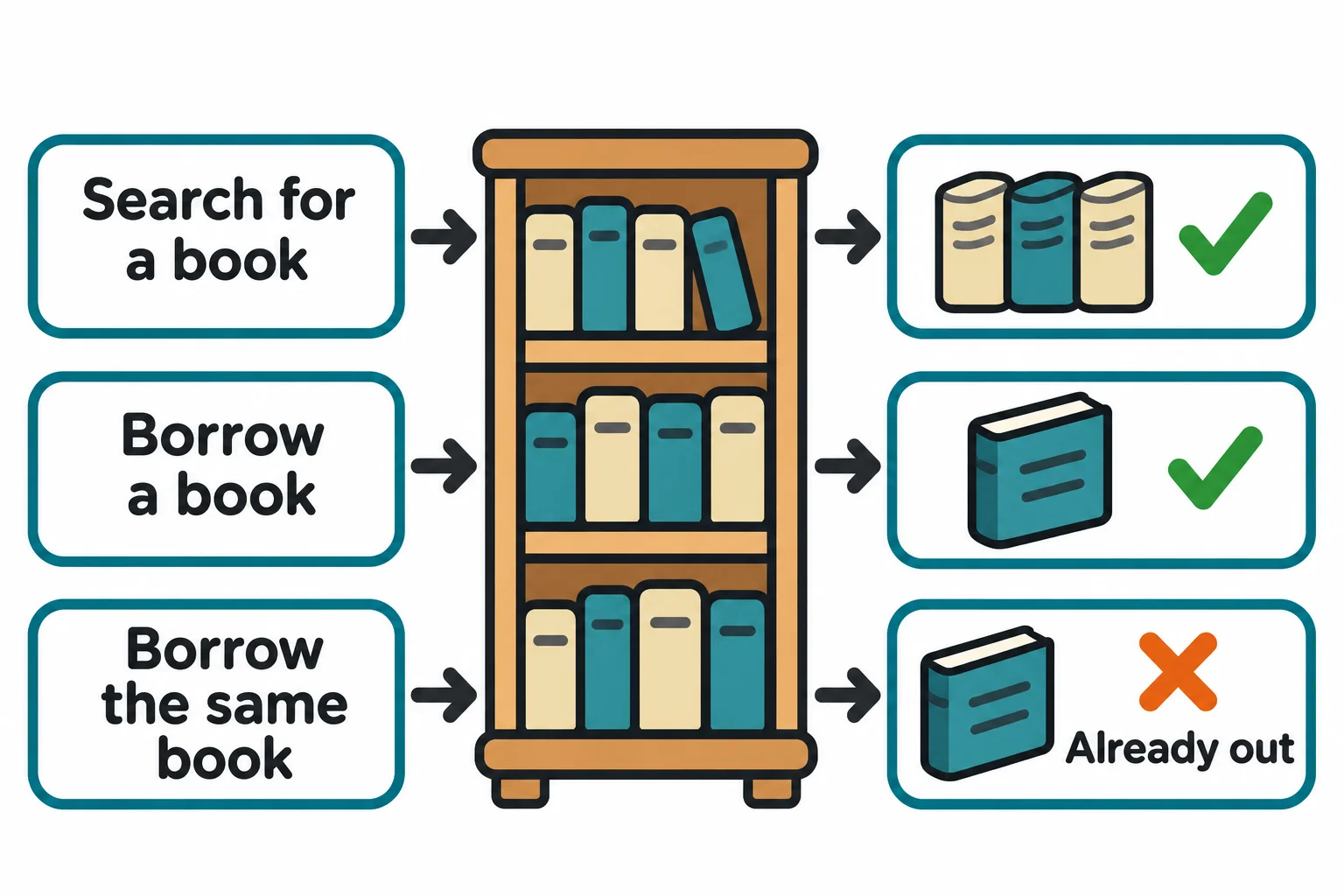
Library Loans API (Module 2). The API behind a small library's loans: search the books, borrow one, return it, and see what's overdue.
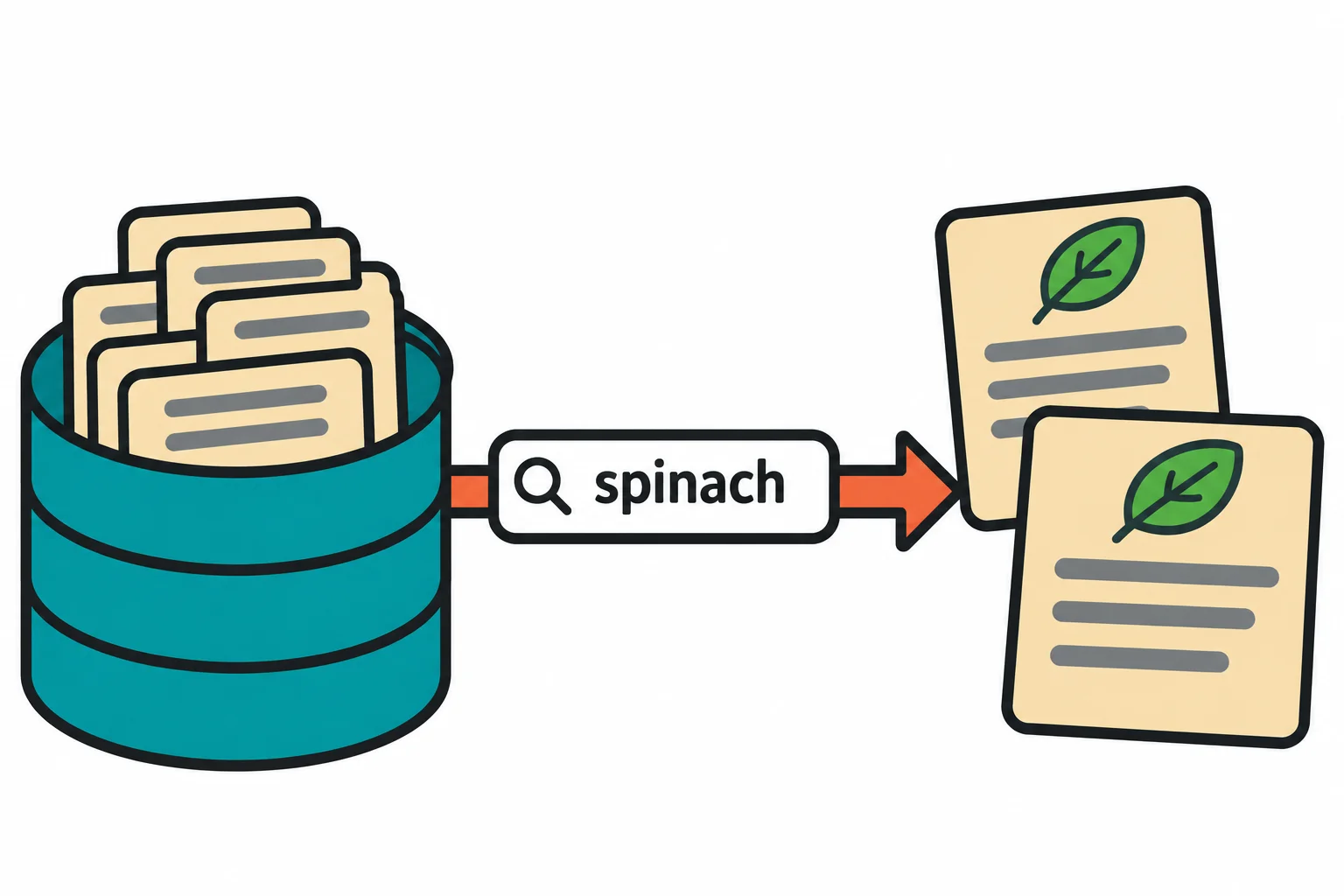
Recipe Box API (Module 3). An API that keeps your recipes in a MongoDB database and finds one by an ingredient you have on hand.
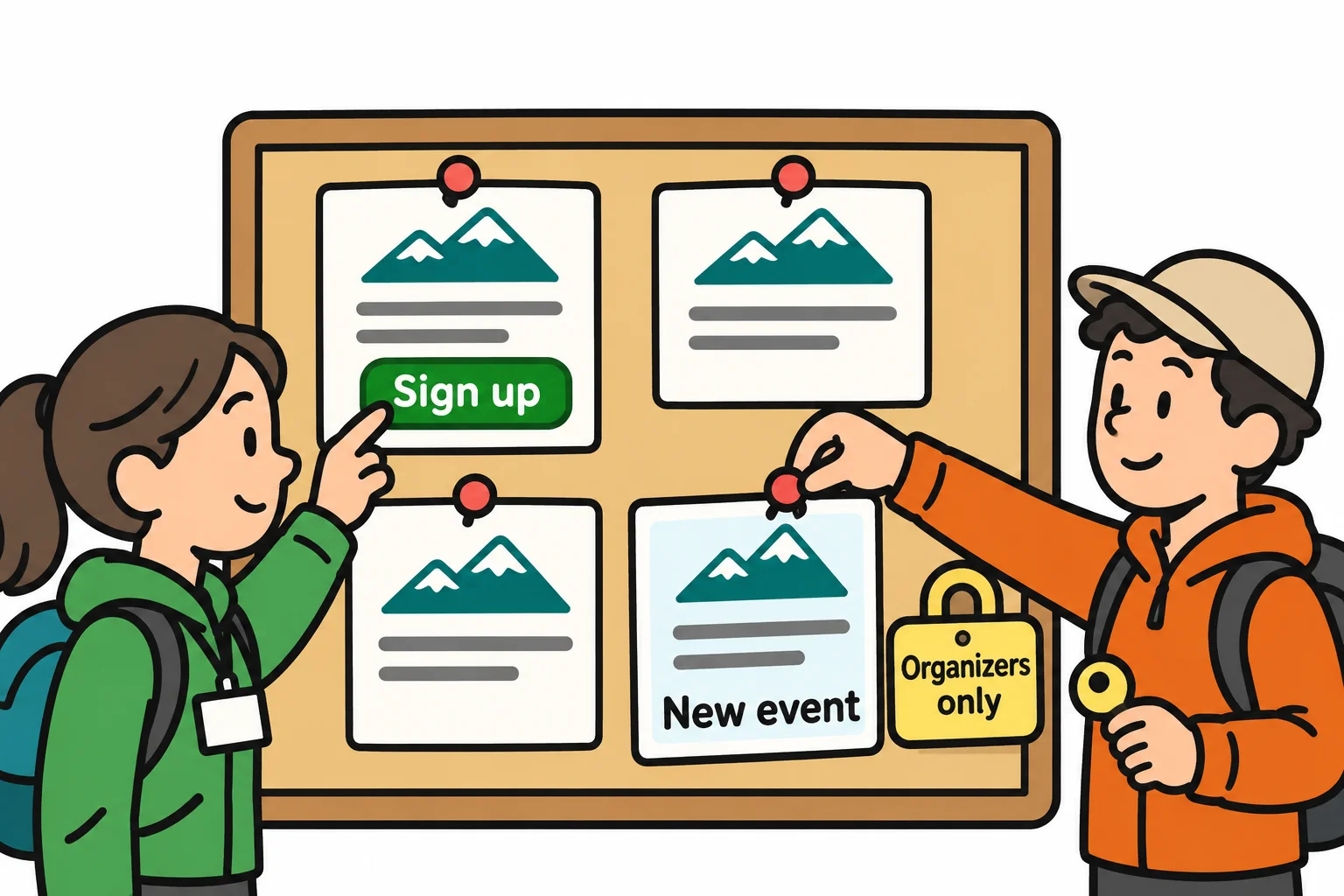
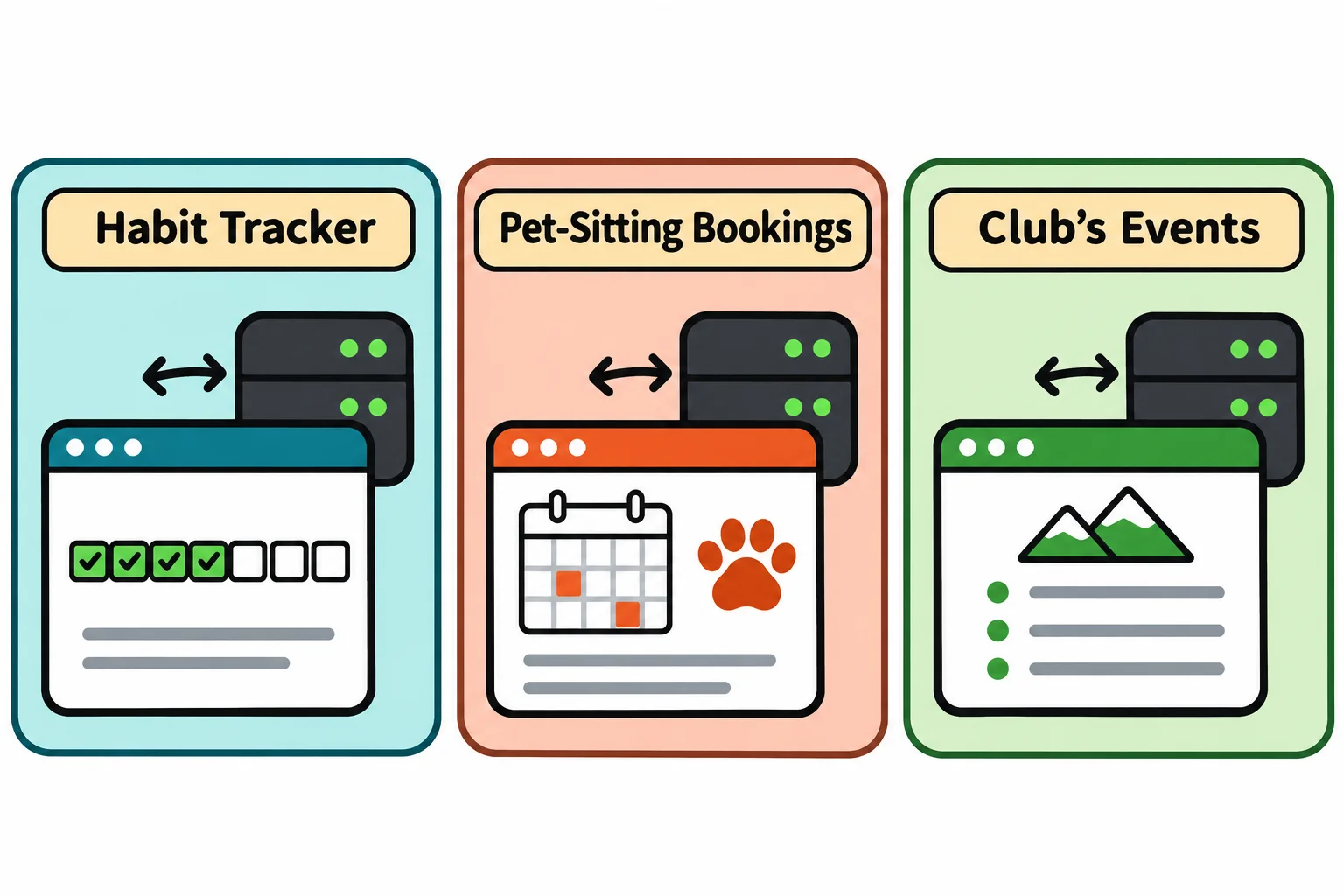
Club Events API (Module 4). A hiking club's events, where members sign in and sign up, and only organizers can create an event.
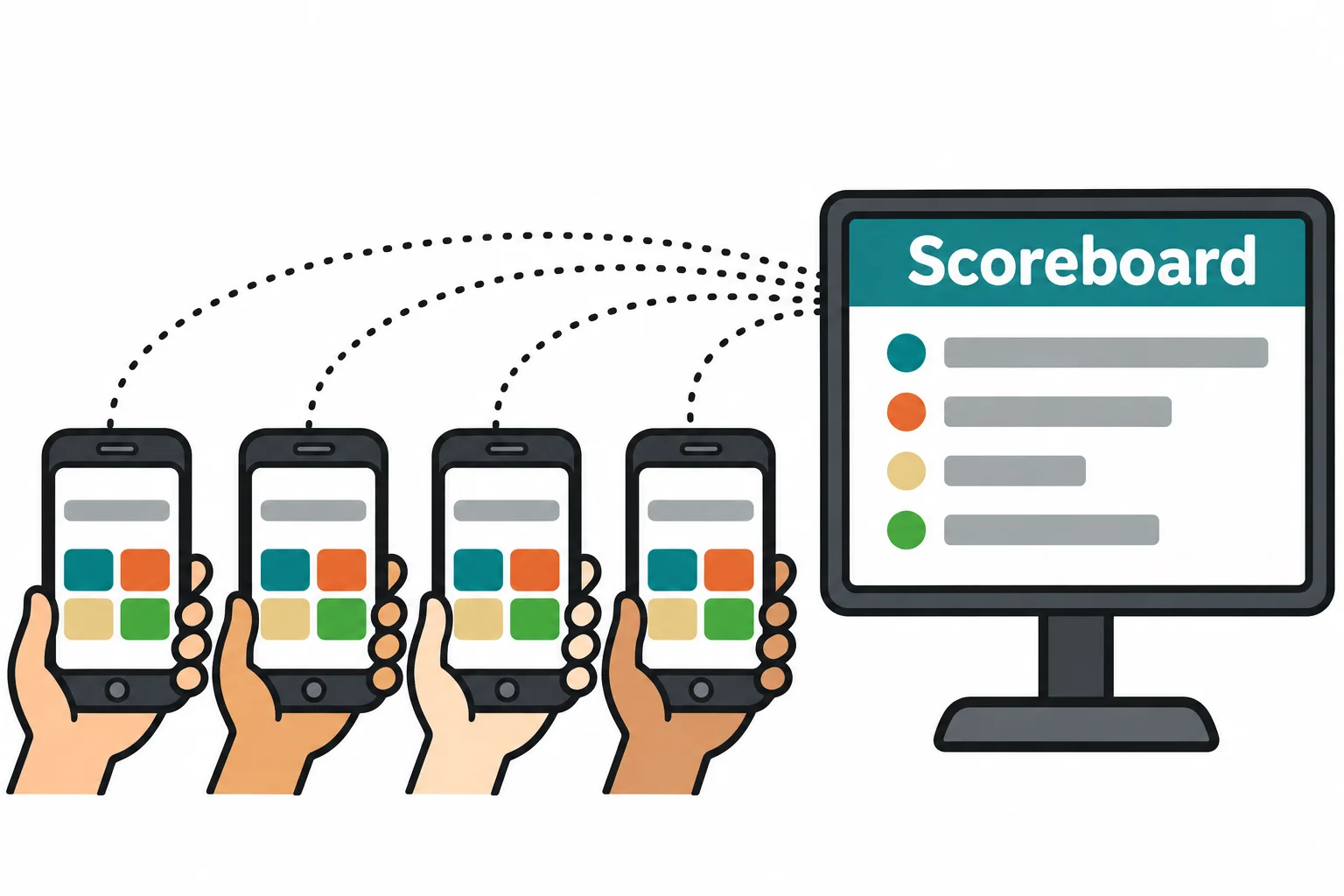
Live Quiz Night (Module 5). A quiz your friends play live from their phones: every phone gets each question at the same moment, and the scoreboard updates after every answer.
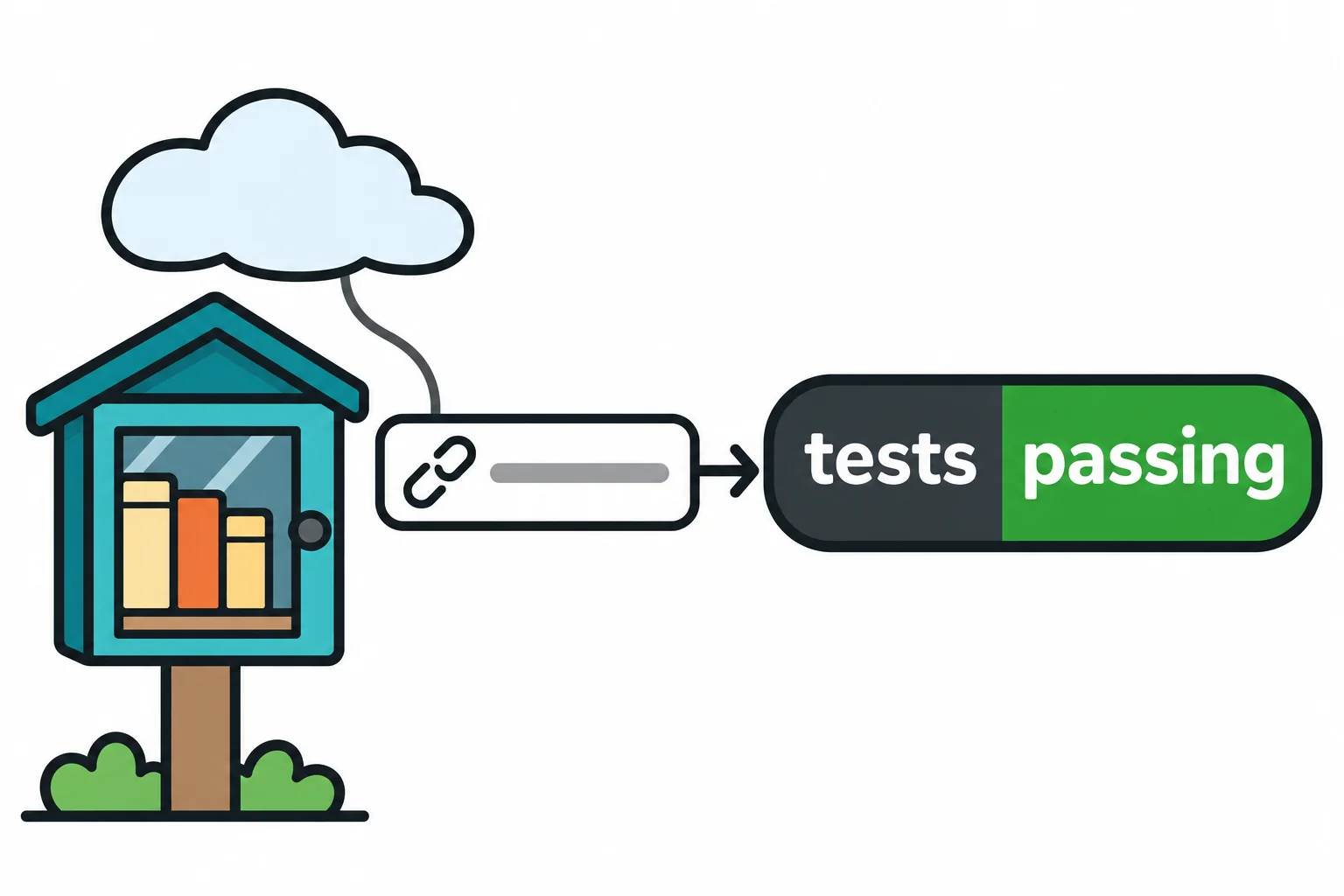
Neighborhood Book Swap API (Module 6). A small API where neighbors list books to give away and claim one, with its tests run on every push and the API online at a link you can share.
Your own API (the final capstone). An API you design, such as a habit tracker or a pet-sitting booking service, online with a simple page in front of it, ready to show anyone who asks what you can do.
Check yourself
2 questions to try on the lesson page.
So what
Node runs JavaScript wherever there's a computer, which is why it's behind APIs, live apps, command-line tools and the build steps of modern web pages; by the end of this course, you'll have built each of those kinds of thing yourself.