Specifying Columns
List the columns you want after SELECT, in the order you want them, instead of using *.
Novice · SQL · MySQL · Updated
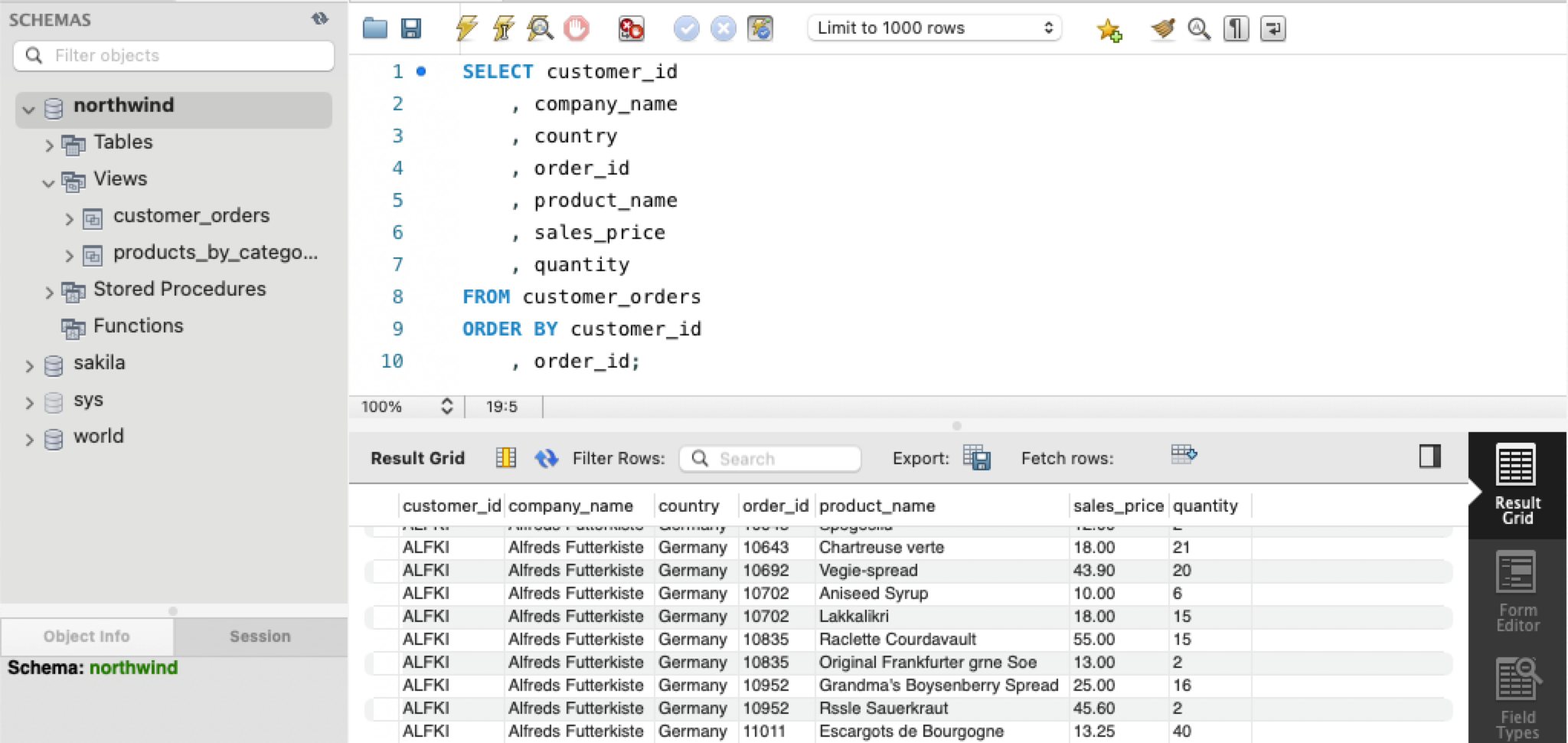
Although it is easy to select all columns in a table by simply using the all columns symbol (*), in application programming, it is best practice to explicitly list the columns that you want to have included in the result.
SELECT customer_id
    , company_name
    , country
    , order_id
    , product_name
    , sales_price
    , quantity
FROM customer_orders
ORDER BY customer_id
    , order_id;
ORDER BY sorts the rows in the result: here by customer_id, and then by order_id within each customer. Without it, the database may return rows in any order.
Note: the columns appear in the result in the order you list them.
Do it: make the sales team's call sheet
The sales team is calling every customer this week. Their call sheet should list the person to ask for first, then the company, then the phone number, sorted by the person's name so it's easy to find someone.
The customers table (the Tables tab shows the SQL that makes it) has these rows:
| customer_id | company_name | contact_name | city | phone |
|---|---|---|---|---|
| ALFKI | Alfreds Futterkiste | Maria Anders | Berlin | 030-0074321 |
| ANATR | Ana Trujillo Emparedados y helados | Ana Trujillo | México D.F. | (5) 555-4729 |
| AROUT | Around the Horn | Thomas Hardy | London | (171) 555-7788 |
| BERGS | Berglunds snabbköp | Christina Berglund | Luleå | 0921-12 34 65 |
Your query should give exactly these rows, in this order:
| contact_name | company_name | phone |
|---|---|---|
| Ana Trujillo | Ana Trujillo Emparedados y helados | (5) 555-4729 |
| Christina Berglund | Berglunds snabbköp | 0921-12 34 65 |
| Maria Anders | Alfreds Futterkiste | 030-0074321 |
| Thomas Hardy | Around the Horn | (171) 555-7788 |
Your job: change the query in the box so it gives the call sheet.
- Three columns, in this order:
contact_name,company_name,phone. - Every customer: no filter.
- Sort the rows by
contact_name, A to Z.
Practiced live on the lesson page: write the SQL right there and check it.