JUnit Testing Framework
JUnit gives you a ready-made test runner, and you write one test class for each class you want to test.
Apprentice · Java · Unit Testing · Updated
JUnit is a testing framework developed in 1997. Its goal was to create a tool that allowed developers to test individual objects outside the application's flow.
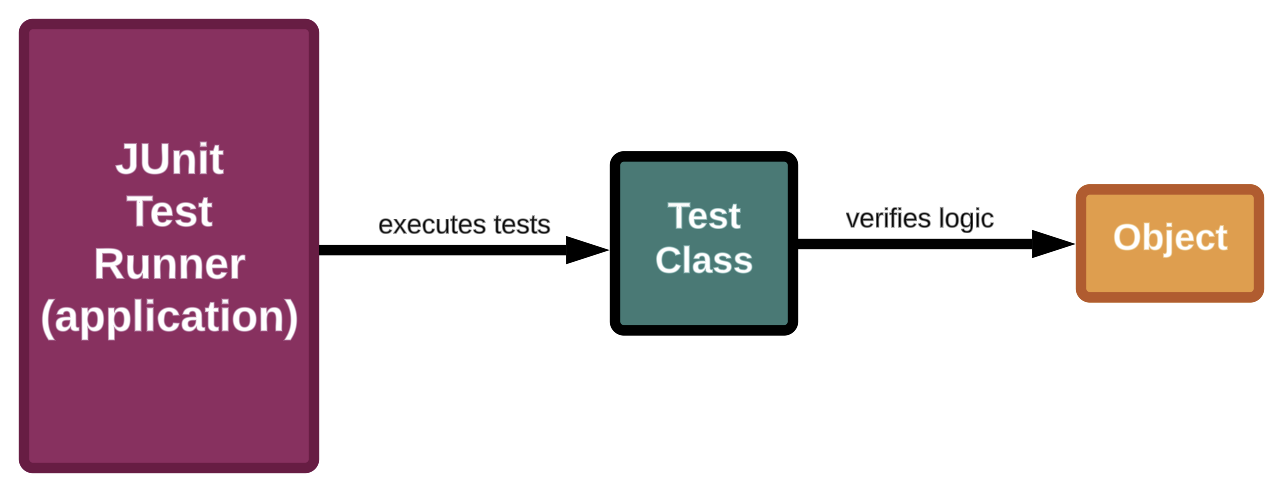
Test Runner
To test your objects, you must have an application. Rather than creating a new testing application for each new object, JUnit provides you with a generic testing application. We call this a test runner.
Test Classes
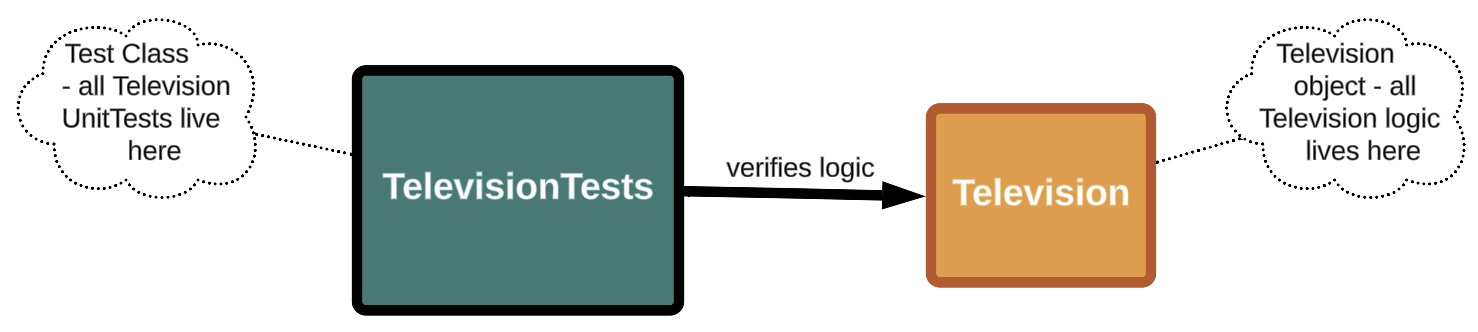
A test class is a special type of class dedicated to verifying an object's logic. Unlike a test runner, a test class cannot be generic; it contains logic specific to the object being tested. Each class/object in your project should have its own test class.
Do it: list the test classes a project needs
Your team is adding unit tests to the TV remote app. Every class gets its own test class, so before anyone starts, the team lead wants the list of test classes to create, one for each class in the app.
The method gets one value:
classNames: the names of the app's classes, aList<String>, such as["Television", "Remote", "Speaker"].
JUnit's naming rule, which IntelliJ follows when it makes a test class for you: the class's name, then Test. So the test class for Television is TelevisionTest.
For example, testClassNames(List.of("Television", "Remote", "Speaker")):
| Class | Its test class |
|---|---|
Television |
TelevisionTest |
Remote |
RemoteTest |
Speaker |
SpeakerTest |
So it returns ["TelevisionTest", "RemoteTest", "SpeakerTest"].
Your job: write the method testClassNames(List<String> classNames) so it returns a List<String>: one test class name for each class.
- Each test class name is the class's name, then
Test. - Keep the classes' order.
- When the app has no classes (an empty list), return an empty list.
Practiced live on the lesson page: write the Java right there and check it.